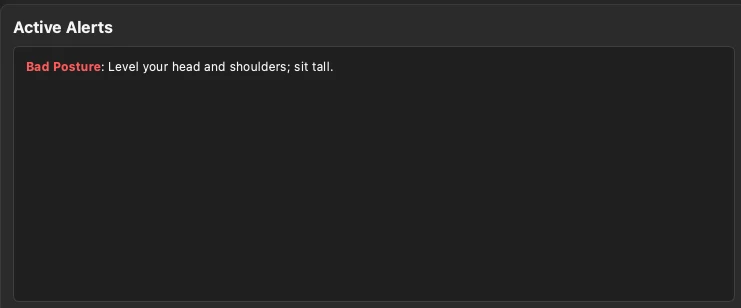
Catches posture drift as it happens
Reads slouching, head tilt, and forward-head in real time, and nudges you to reset before it sets in.
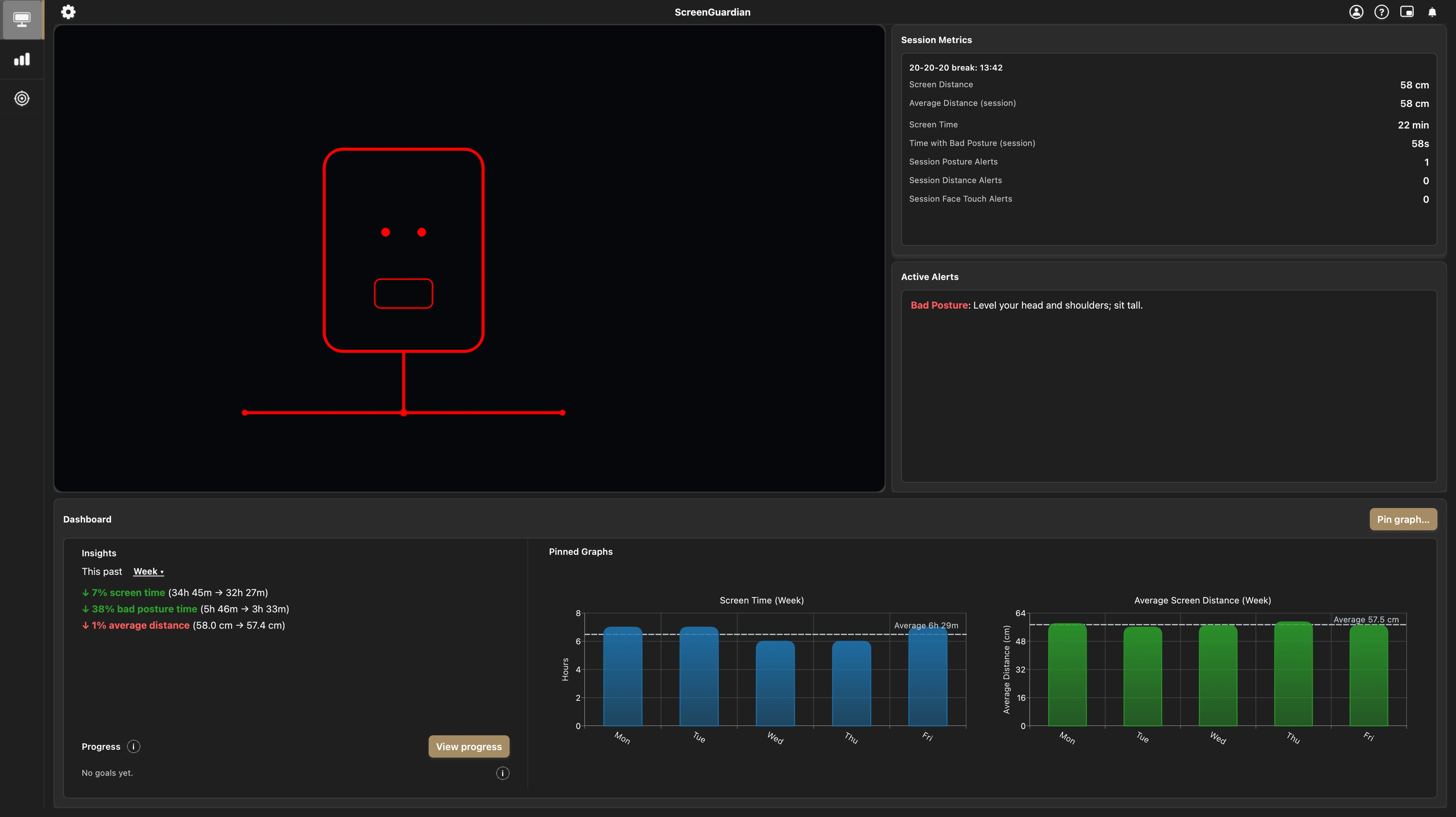
Real-time feedback for posture, distance, and desk habits, all on your computer.
Free during early access · macOS 14+ and Windows 10+
Checks
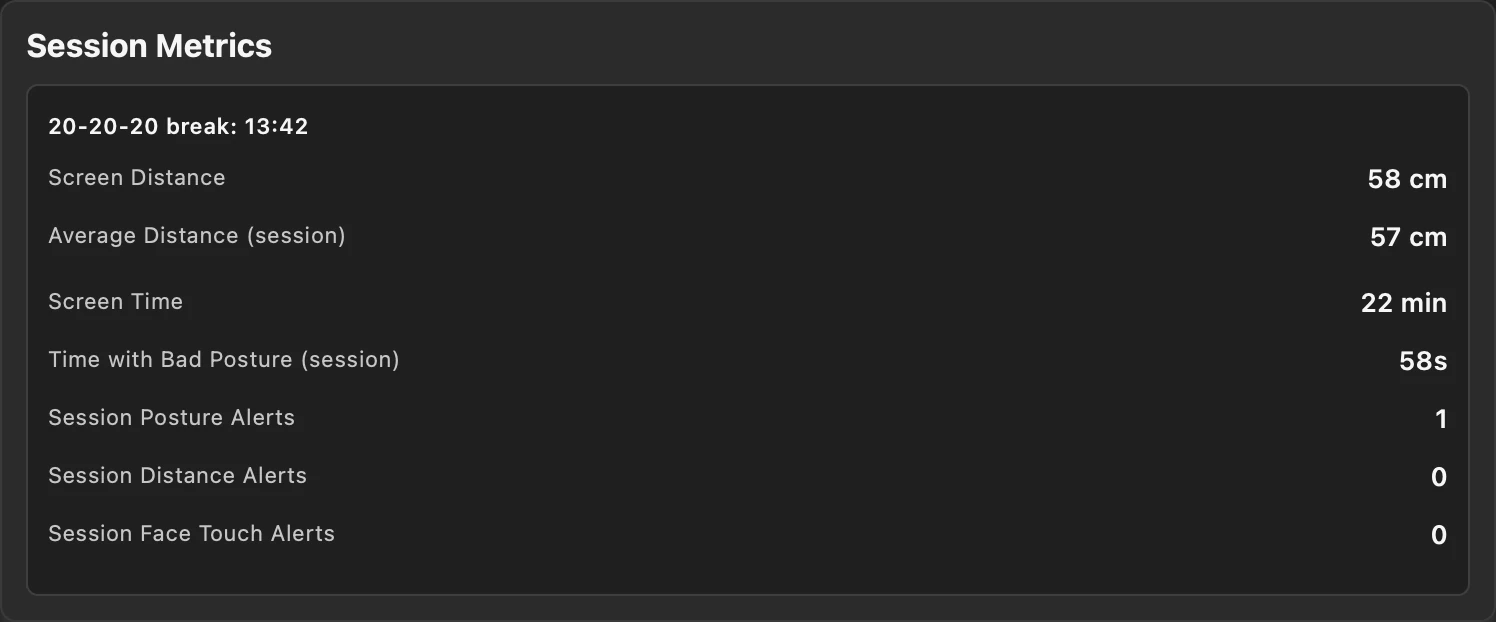
With just your webcam, ScreenGuardian notices posture, screen distance, and habits like face touching and nail biting while a small correction is still easy, not after your back or eyes complain.
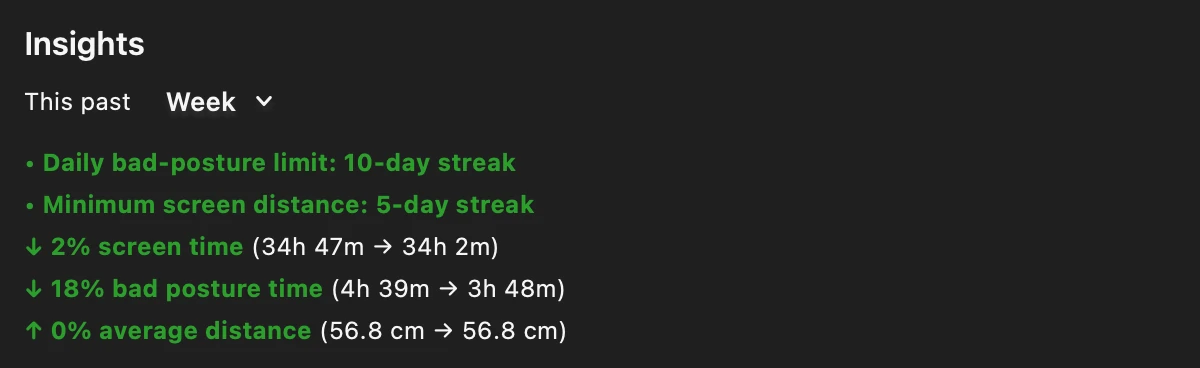
Trends
Daily and weekly trends across everything it checks, so you can tell a rough afternoon from a habit worth changing.
Continuous checks
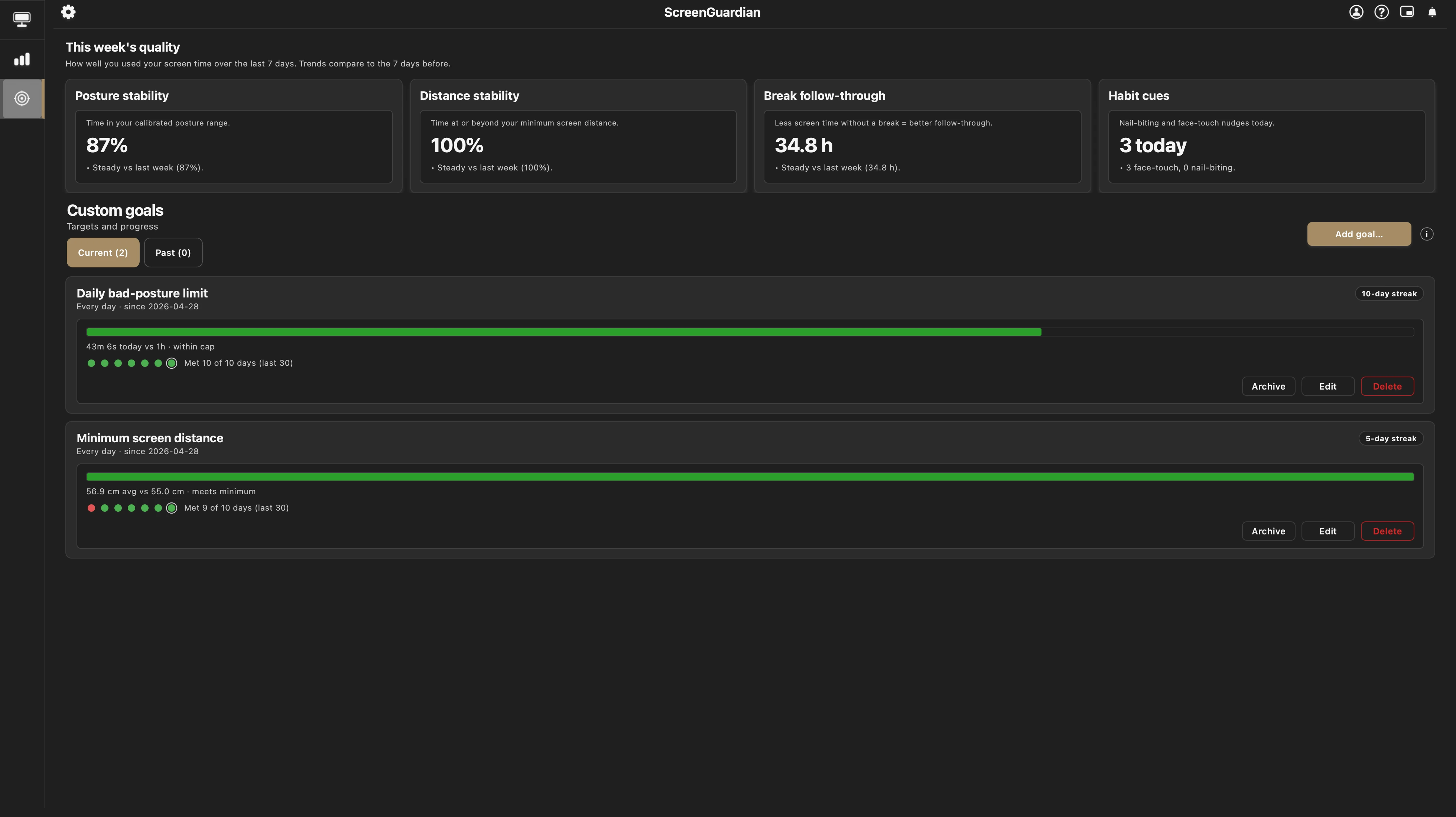
Goals
Quiet daily goals for posture and distance, with streaks that reward staying consistent instead of being perfect.
Yours
No camera images or video are saved or sent. Your history stays on your computer, and you can erase all of it whenever you want.
In the background
Close the window and keep working.
Your history keeps building the whole time.
Lean back a bit
Lean back to increase your distance from the screen.
Plus eye-break reminders, gentle habit cues, adaptive reminder styles and quiet hours that fit your day, and full on-device privacy controls.
How it's different
In everyday use
2x award winning
United States
International
Set your usual desk position once so posture and distance feedback starts from your real workspace.
Feedback responds to sustained patterns, with timing you control.
Use goals, trends, and pinned charts to understand your habits.
Stays out of the way
What leaves your device?
FAQ
Anyone who spends long hours at a computer. Leaning in, slouching, and forgetting to look away come from time in the chair, not from what you do for a living, so it works the same whether you are studying, gaming, coding, or on calls all day. All it needs is the webcam you already have.
No. ScreenGuardian never saves or sends camera images or video. Posture and distance are read on your computer, in real time.
Your posture, distance, break, and habit history stay on your machine. Network use is limited to account/access checks, updates, downloads, and support or crash reports you choose to send.
Your stats, history, and settings are kept in local files in ScreenGuardian's own folder on your computer, never uploaded. Because the data stays on your machine, it is protected by your operating-system account and disk encryption (FileVault on macOS, BitLocker on Windows), the same as any other file you own.
No. ScreenGuardian never requests or uses your microphone.
Yes. All processing runs on your device and works with no internet connection. The access check and any app updates simply refresh the next time you are online.
No. ScreenGuardian keeps running quietly in the background. Picture-in-Picture gives you a small floating live view, and Notification mode keeps live alerts running while local stats and history are paused.
Nothing to manage. ScreenGuardian sleeps with your computer and picks back up on its own when you return, so you do not need to quit it when you step away. If you want it off while you stay at your desk, use Pause anytime, or let it keep running quietly in the background.
No. ScreenGuardian reads posture, distance, and break cues from your webcam locally and shows that feedback to you. It does not record your screen, log keystrokes, or send behavior history to a server.
No. ScreenGuardian reads posture landmarks (the positions of features like your eyes, nose, and shoulders) to estimate how you are sitting. It does not run facial recognition, does not build a face template or faceprint, and cannot identify you. Those landmarks are numbers computed on your device.
ScreenGuardian is free while early access is active on your account. Paid plans launch later, and no one is moved onto one automatically. Subscribing will be a choice you make, with founder pricing for early-access users.
macOS and Windows.
Early access
Sign in to unlock the Mac or Windows download for your account.
Need access? Start from Account.